Introduction
A curved monitor is a modern display designed to enhance your viewing experience by wrapping around your field of vision. Unlike traditional flat screens, a curved monitor provides a more immersive experience, making it ideal for gaming, watching movies, or multitasking with multiple applications. The slight curvature of the screen helps reduce glare and distortion, allowing for a clearer image. Many users find that a curved monitor can help reduce eye strain during long hours of use. In this article, we’ll explore the benefits, features, and different types of curved monitors available, helping you decide if this innovative display is right for you.
Enhanced Immersion and Visual Comfort With Curved Displays
One of the key reasons curved monitors are gaining traction across tech and gaming communities is their ability to deliver a more natural and immersive visual experience by wrapping the display around your field of view. This subtle curvature not only helps draw users deeper into movies, games, and creative work, but it also aligns more closely with the natural shape of human vision, reducing the need for frequent refocusing and helping minimise eye strain during long sessions in front of the screen. By maintaining consistent visual clarity across the panel and reducing peripheral distortion, curved displays make content feel more engaging and comfortable compared to traditional flat screens, which can struggle to deliver the same level of depth and focus.
What is a Curved Monitor?
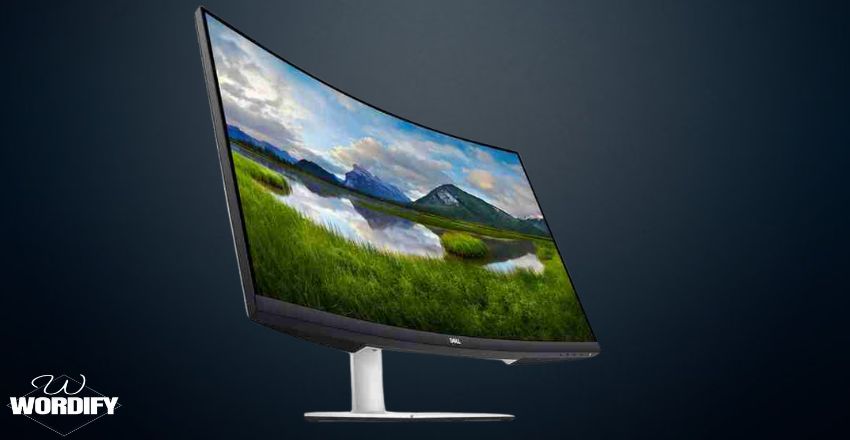
A curved monitor is a display screen with a concave shape rather than a flat surface. This curvature helps create a wider field of view, making images appear more vivid and engaging. The design reduces glare and distortion, providing a more comfortable viewing experience. Curved monitors come in various sizes and resolutions, catering to different user needs. From gamers looking for an edge in visuals to professionals needing an expansive workspace, these monitors offer versatile solutions that can significantly enhance productivity.
Benefits of Using a Curved Monitor
There are several benefits to using a curved monitor.
- First, the screen’s curvature allows for a more immersive experience, drawing you into the content.
- This is especially noticeable when gaming and watching movies.
- Second, curved monitors can reduce eye strain, providing a more natural line of sight and making it easier to focus on the entire screen.
- Additionally, they often have wider viewing angles, so colors and contrast remain consistent even from the sides.
These benefits contribute to a more enjoyable and productive user experience, making curved monitors a worthwhile investment for many.
Curved Monitor vs. Flat Monitor
Several differences stand out when comparing a curved monitor to a flat monitor. Flat monitors are widely used and may be more familiar to many users. However, curved monitors offer a more immersive experience, particularly for gaming and video consumption. While flat screens can create distortions at the edges, curved monitors maintain clarity and depth across the display. This makes curved monitors ideal for multitasking, as you can see more of the screen without moving your head. Ultimately, the choice between the two depends on your preferences and usage scenarios, but many find the curved monitor superior.
Features to Look For
When shopping for a curved monitor, several features should be considered.
- First, the curvature radius is important; a tighter curve may offer a more immersive experience but could be less comfortable for general use.
- Second, resolution matters; look for at least Full HD (1920×1080) for a sharp image, with 4K (3840×2160) ideal for gaming and detailed work.
- Other features include refresh rate, response time, and connectivity options.
- Make sure to choose a monitor that suits your needs, whether for gaming, design work, or general productivity; the right features can make all the difference in your experience.
Popular Use Cases for Curved Monitors
Curved monitors are gaining traction in various fields. Gamers love them for the immersive experience they provide, enhancing gameplay with a wider field of view. In the business world, they are used for multitasking; professionals can easily view multiple applications side by side without losing focus. Designers and video editors also benefit from curved monitors’ accurate color reproduction and depth perception. Additionally, curved monitors are popular for home theaters, providing a cinematic experience that flat screens can’t match, making them a versatile choice for different users.
Impact on Productivity and Workflow
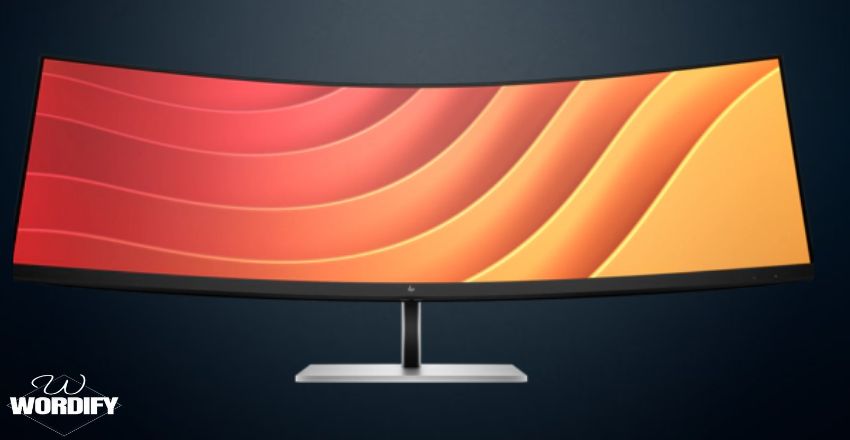
A curved monitor can significantly improve productivity by creating a more comfortable and efficient workspace. The wider field of view allows users to keep multiple windows open simultaneously without constantly switching between applications, making it particularly useful for professionals working with spreadsheets, coding projects, graphic design software, or video editing tools.
The curved design helps keep content within a more natural viewing distance, reducing the need for excessive head and eye movement during long work sessions. As a result, many users find that curved monitors contribute to better focus, smoother workflows, and increased efficiency when handling complex tasks that require attention to multiple pieces of information at once.
How to Choose the Right Curved Monitor?
Choosing the right curved monitor depends on your specific needs and budget. Start by considering the size; larger screens provide a more immersive experience but require more desk space. Next, consider the resolution and refresh rate based on how you intend to use the monitor. A high refresh rate (144Hz or higher) is preferable for gaming, while a higher resolution (4K) benefits design work. Finally, check for compatibility with your existing setup, including connection ports and graphics capabilities. Considering these factors will help you find the perfect curved monitor.
Setting Up Your Curved Monitor
Setting up a curved monitor is similar to a flat monitor but requires some extra considerations. Position the monitor at eye level to maximize comfort and minimize strain. Ensure the curvature aligns with your seating position for the best viewing angle. Adjust the brightness and color settings to suit your environment, as curved monitors may reflect light differently than flat screens. Finally, use appropriate cables and mounts for stability and aesthetics. Proper setup can enhance the monitor’s benefits and improve your overall experience, allowing you to enjoy all a curved monitor offers.
Potential Drawbacks
While there are many advantages to a curved monitor, there are also some potential drawbacks. One concern is the price; curved monitors can be more expensive than their flat counterparts. Additionally, some users may find the curvature uncomfortable for general tasks, especially when used on flat screens. The reflections on the curved surface can also be distracting in brightly lit environments. Lastly, curved monitors may take up more desk space, which is something to consider if you have a limited setup. Balancing these pros and cons will help you make an informed decision.
Maintenance Tips for Curved Monitors
Maintaining your curved monitor is essential for longevity and performance. Start by keeping the screen clean; use a microfiber cloth to wipe away dust and fingerprints, avoiding harsh chemicals. Ensure that your monitor is in a stable position to prevent accidental tipping. Adjust settings regularly to optimize performance, including brightness and contrast, based on your environment. Lastly, use surge protectors to safeguard against power surges, which can damage your monitor over time. Proper maintenance will help you enjoy your curved monitor for years to come.
Conclusion
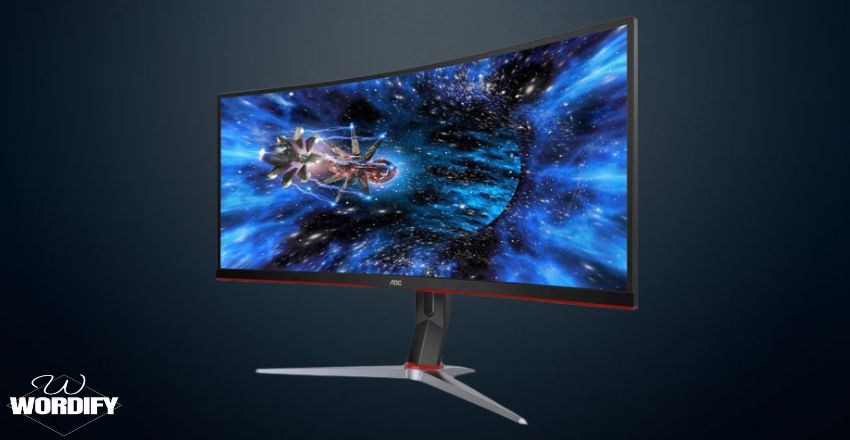
In summary, a curved monitor offers a range of benefits, from enhanced immersion to reduced eye strain. Whether you’re a gamer, a professional, or simply someone who enjoys watching movies, these monitors can elevate your viewing experience. While there are drawbacks, the advantages often outweigh them for many users. By carefully considering your needs and preferences, you can determine if a monitor is the right choice for your setup. As technology advances, curved monitors are likely to become even more popular and accessible, making them a great investment for the future.
Apart from that if you want to know about “Ultrawide Monitors: The Ultimate Buying Guide About Its Benefits, Types, Features, And More” then please visit our “Tech” Category.
FAQs
A curved monitor is a display screen with a concave shape that enhances immersion and viewing comfort by matching the natural curvature of the human eye.
Curved monitors provide a more immersive experience, reduce eye strain, and offer wider viewing angles, making them ideal for gaming and multimedia use.
Curved monitors offer enhanced depth and clarity across the entire screen, while flat monitors may have distortions at the edges, especially in large sizes.
The best visual experience with a curved screen is usually centered on a single user. Sitting off-center can make colors, contrast, and image quality look slightly different because the curve is optimized for one viewer directly in front of the screen.
You can wall-mount a curved monitor, but it often needs more space from the wall due to its shape. You may also need a specialized curved-compatible mount to ensure the best position and viewing angle.