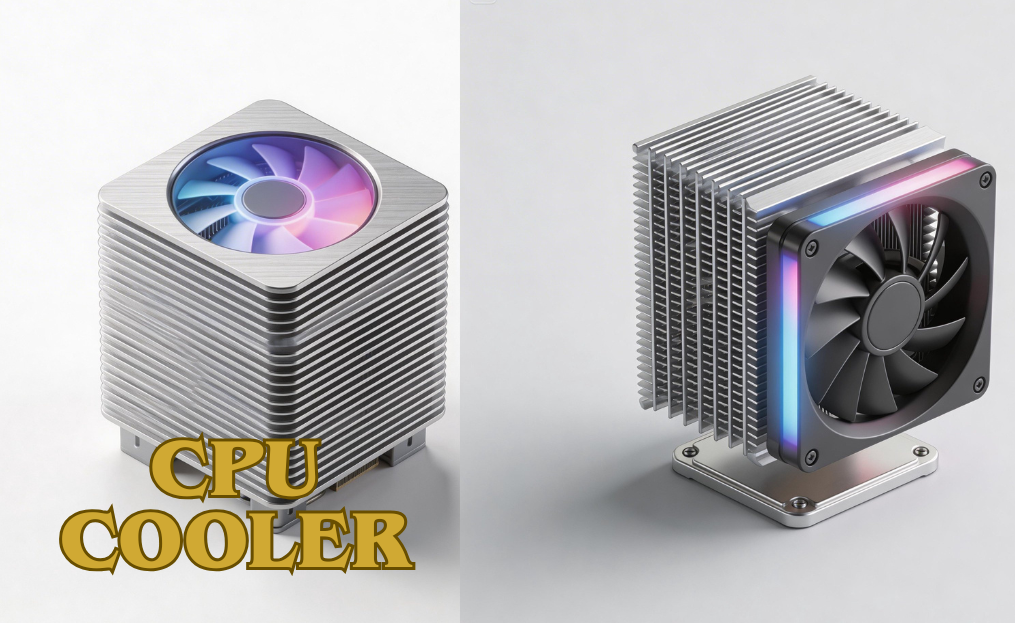
A reliable CPU cooler is a critical component for anyone looking to maintain peak performance and extend the lifespan of their computer. Whether you’re building a high-end gaming rig, a professional workstation for content creation, or a budget-friendly everyday PC, an effective CPU cooler ensures your processor stays at optimal temperatures, delivering stability, efficiency, and quieter operation.
Modern CPUs, especially those used for gaming or overclocking, generate significant heat under heavy workloads, making the choice of a high-quality cooler essential. In this comprehensive guide, we’ll cover everything about CPU coolers, including air and liquid options, key features, installation tips, and performance considerations, so you can choose the perfect cooler for your setup and keep your PC running smoothly.
| CPU cooler | Details |
| Purpose | Dissipates heat to maintain CPU performance and longevity |
| Importance | Prevents thermal throttling, crashes, and potential CPU damage |
| Use Cases | Cooling performance, installation, compatibility, and noise levels |
| Types | Air coolers, Liquid (AIO) coolers |
| Benefits | Stability, efficiency, quieter operation |
| Key Consideration | Essential for high-performance and overclocked CPUs |
| Focus Areas | Cooling performance, installation, compatibility,and noise levels |
What is a CPU Cooler?
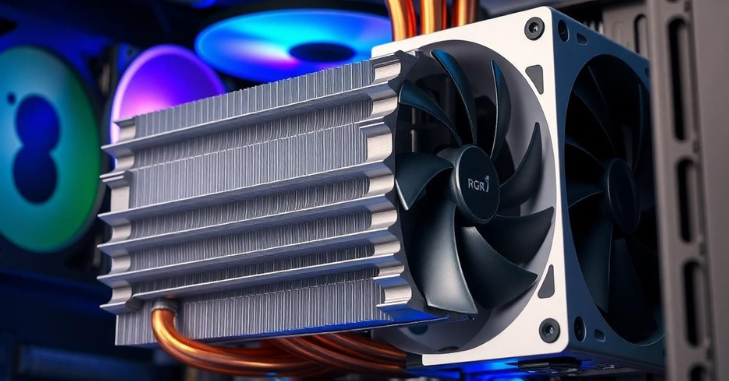
A CPU cooler is an essential component designed to manage and dissipate the heat generated by your processor, ensuring it operates safely and efficiently. Without proper cooling, a CPU can overheat, leading to reduced performance, system crashes, or even permanent hardware damage.
CPU coolers work by transferring heat away from the processor, either through air using heat sinks and fans or via liquid in more advanced cooling systems. The key functions of a CPU cooler include maintaining safe operating temperatures, preventing thermal throttling during heavy workloads, supporting overclocking for enhanced performance, and reducing fan noise with efficient designs.
Types of CPU Coolers
Generally fall into two main categories: air coolers and liquid coolers. Each type offers unique advantages and potential drawbacks depending on your needs, whether it’s gaming, workstation tasks, or everyday PC use.
Air Coolers
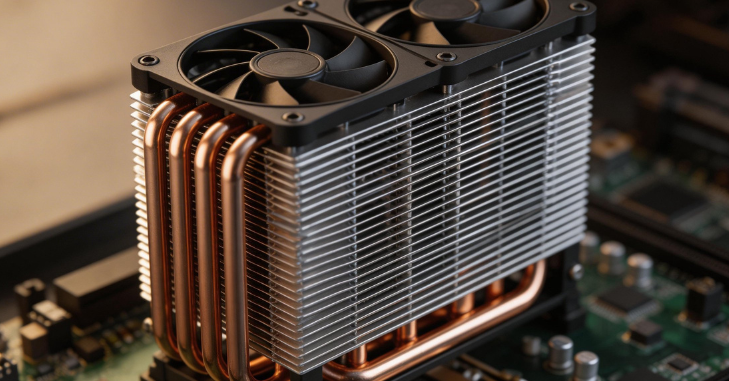
Air coolers are the most common type of CPU cooling solution. They use heat sinks and fans to dissipate heat away from the processor. These coolers are easy to install, reliable, and generally more affordable than liquid cooling systems.
Key Features
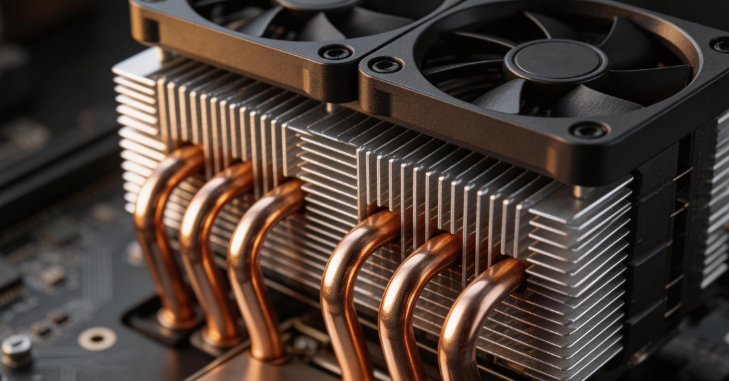
- Large heat sinks to absorb heat efficiently
- One or more fans to circulate air through the fins
- No liquid is involved, reducing the risk of leaks
Pros
- Cost-effective and budget-friendly
- Durable with low maintenance requirements
- Often quieter than budget liquid coolers
Cons
- Can be bulky, potentially limiting RAM or case clearance
- Cooling performance may be less effective for extreme overclocking
Liquid Coolers
Liquid coolers, also known as AIOs (All-in-One), use a liquid coolant circulated through tubes to a radiator, where heat is dissipated via fans. These coolers provide superior thermal performance, especially for high-performance CPUs or overclocked systems.
Key Features
- Closed-loop system consisting of a pump, tubes, and a radiator
- Radiators typically range from 120mm to 360mm
- Fans mounted on the radiator push air through fins to dissipate heat
Pros
- Excellent cooling performance for high-end CPUs
- Sleeker design and improved airflow inside the case
- Ideal for extreme workloads and overclocking
Cons
- More expensive than air coolers
- Slight potential risk of leaks (rare in modern models)
- Slightly more complex installation compared to air coolers
Key Features
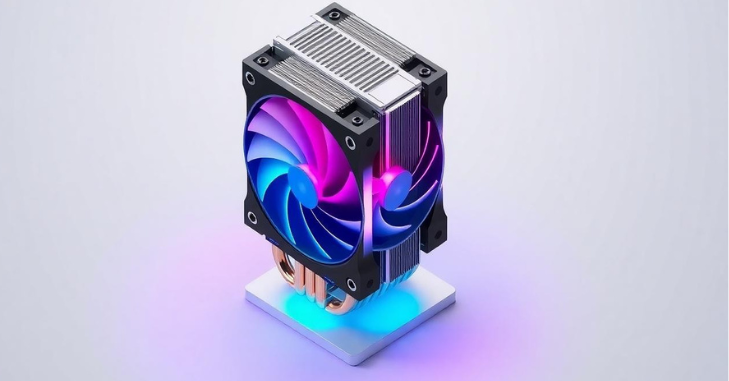
Performance Factors
- Cooling Capacity (TDP): Ensure the cooler can handle your CPU’s thermal design power.
- Fan Speed & Airflow: Higher airflow improves cooling but can increase noise.
- Number of Heat Pipes: More heat pipes generally mean better heat transfer.
Installation & Compatibility
- Socket Compatibility: Check if the cooler supports your CPU socket (Intel or AMD).
- RAM & Case Clearance: Larger coolers may block RAM slots or fit poorly in compact cases.
- Weight: Heavy coolers may require additional case support.
Noise & Aesthetics
- Low-Noise Fans: Look for PWM-controlled fans that adjust speed automatically.
- RGB/LED Lighting: Some coolers offer customizable lighting for gaming builds.
- Sleek Design: A compact or minimalist cooler can improve overall system airflow.
Best Coolers for Gaming
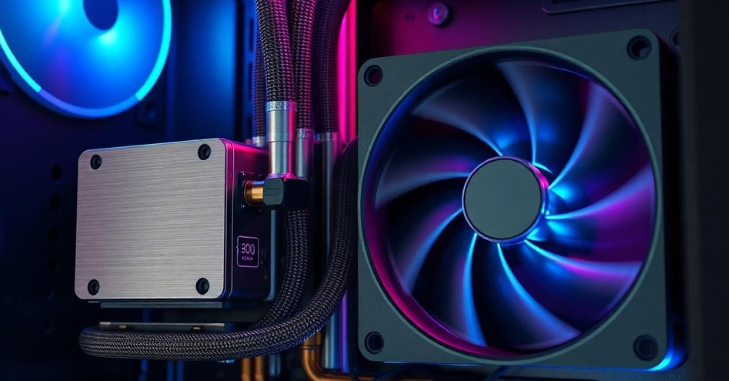
Gaming PCs generate a lot of heat during extended sessions, so an effective CPU cooler is essential to maintain performance and protect your components. The right cooler keeps your processor at safe temperatures, prevents thermal throttling, and allows you to overclock safely for better gaming performance.
Recommended Features
When selecting a CPU cooler for gaming, prioritize high cooling capacity for multi-core CPUs. Liquid AIO coolers should have radiators ranging from 120mm to 360mm, and adjustable fan speeds help balance cooling efficiency with quiet operation. These features ensure that your system remains stable under heavy loads without excessive noise.
Benefits for Gamers
Quality helps maintain stable FPS during demanding gameplay, reduces the risk of thermal throttling, and provides the headroom for safe overclocking. With better temperature management, gamers can enjoy smoother performance, enhanced system longevity, and consistent reliability during marathon gaming sessions.
Popular Options
Some of the top gaming options include high-performance air coolers, like the Noctua NH-D15, which offer excellent cooling and quiet operation. Liquid AIO coolers, such as the Corsair H100i or NZXT Kraken series, deliver superior thermal management and a sleek aesthetic, making them ideal for modern gaming builds.
CPU Coolers for Workstations & Content Creation
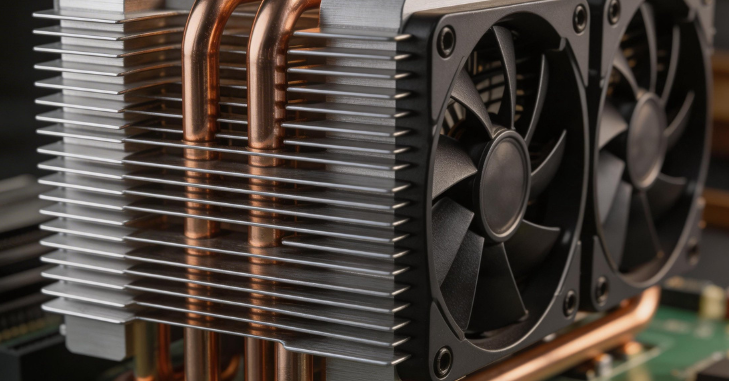
Workstations for video editing, 3D rendering, or software development require continuous high performance, producing sustained heat.
Key Features
- High TDP support
- Dual or triple fan radiators for liquid coolers
- Efficient airflow for prolonged workloads
Benefits
- Maintains CPU stability under extended tasks
- Reduces noise in quiet office environments
- Supports multi-core CPUs for heavy software
Overclocking and CPU Cooling
Overclocking pushes your CPU beyond its factory speeds, which generates significantly more heat and increases the risk of instability if not properly managed. A quality is essential to maintain safe operating temperatures and ensure stable performance during overclocking.
For high-end CPUs, liquid coolers are often preferred due to their superior heat dissipation, while proper case airflow is crucial to complement any cooler. Additionally, monitoring CPU temperatures using software tools like HWMonitor or CoreTemp helps prevent overheating and allows you to adjust settings for safe and effective overclocking.
Quiet Performance: Low-Noise Coolers
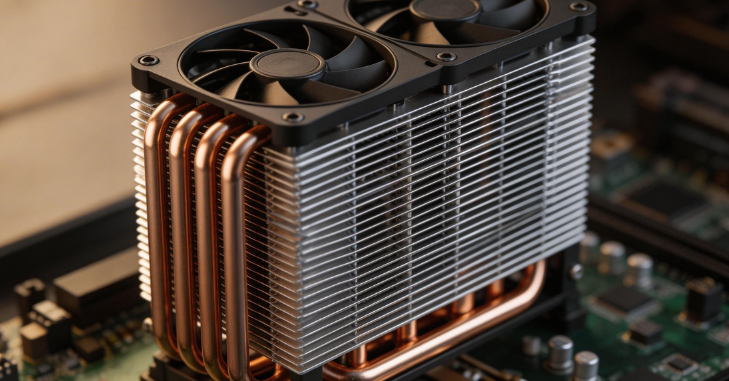
- Large, Slow-Spinning Fans: Move ample airflow quietly without high RPM noise
- Precision Fan Bearings: Reduce vibrations and mechanical hum for smoother operation
- Smart PWM Control: Automatically adjusts fan speeds based on CPU temperature for minimal noise
Advantages of Low-Noise Coolers
- Tranquil Environment: Perfect for home offices, media setups, or late-night gaming
- Longer Fan Lifespan: Gentle operation decreases wear and tear on fan components
Installation Tips
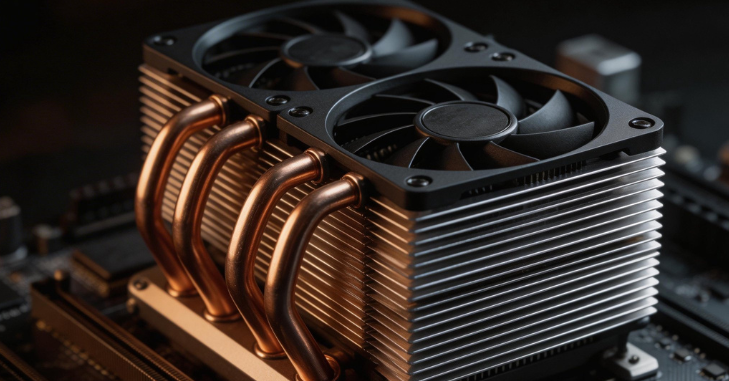
- Prepare the CPU and socket
- Apply thermal paste evenly (if not pre-applied)
- Secure the cooler according to the manufacturer’s instructions
- Connect fans/pump to motherboard headers
- Test temperatures before full workload
Tips
- Read manufacturer manuals carefully
- Avoid over-tightening screws
- Check fan clearance with RAM and GPU
Air vs Liquid: Which is Right for You?
| Feature | Air Cooler | Liquid Cooler |
| Price | Affordable | Expensive |
| Cooling Performance | Good | Excellent |
| Maintenance | Low | Moderate |
| Noise | Low to Medium | Low to Medium |
| Overclocking | Moderate | High |
| Aesthetic | Bulkier | Sleeker, customizable |
| Installation | Simple | Slightly complex |
Future Trends in CPU Cooling
The CPU cooling market continues to evolve with better performance, quieter operation, and smarter designs.
- More efficient AIO liquid coolers at lower price points
- Improved low-noise fan designs
- RGB and customizable aesthetics are becoming standard
- Integration with the motherboard software for monitoring and control
Conclusion
A reliable CPU cooler is a cornerstone of any well-performing PC, whether it’s a gaming rig, a professional workstation, or an everyday desktop. Investing in the right cooling solution ensures your processor stays at safe temperatures, reduces the risk of thermal throttling, and allows for quieter, more efficient operation.
Modern air and liquid coolers cater to a wide range of needs, from budget-friendly, durable air coolers to high-performance liquid AIOs designed for overclocking and extreme workloads.
By understanding the differences between air and liquid solutions, considering factors like cooling capacity, noise levels, and compatibility, and prioritizing features that match your usage, you can select the perfect CPU cooler to maximize performance, longevity, and overall system reliability.
Want to know about How to download videos online from Facebook, SnackVideo and other platforms in seconds Check out our Tech category.
FAQs
Your CPU needs to be cooled, but an AIO isn’t the only option.
The basic idea behind both liquid and air CPU coolers is the same: they both take in heat from the CPU and transfer it away from the hardware.
A cooler is the greatest option if you live in a dry region and want a considerable drop in temperature without having to pay a lot of money for air conditioning.
Even under high stress, a CPU’s average temperature shouldn’t go above 70 to 80 degrees Celsius.