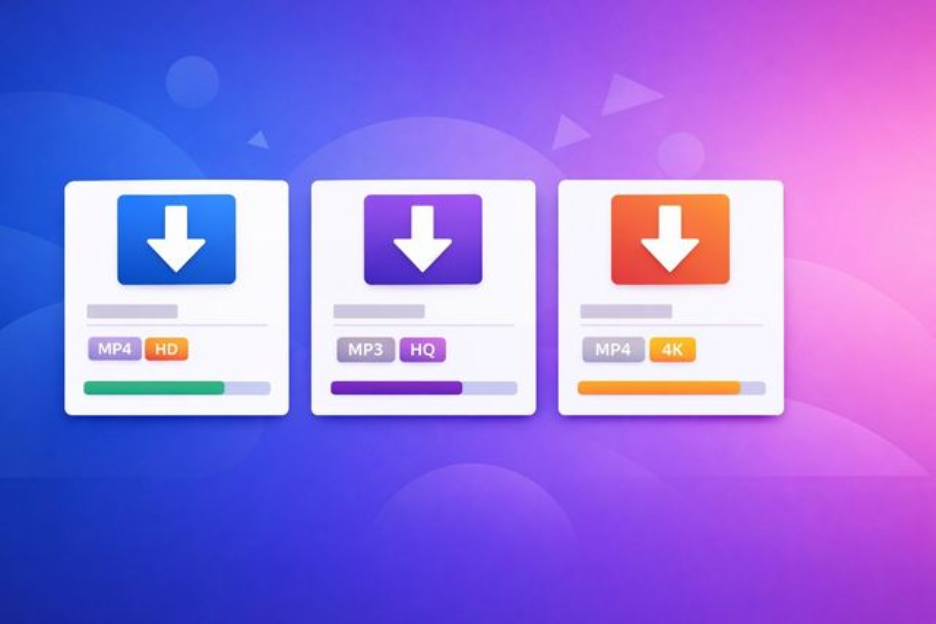
Between SnackVideo trends blowing up in Southeast Asia and Facebook cooking reels your aunt keeps tagging you in; the content you want lives on at least three different apps. Each platform has its own sharing limitations, and none of them make it simple to save clips directly to your device. A reliable video downloader changes that equation fast.
The good news: free browser-based tools now let you download videos online without installing software. You paste a link, pick a quality, and the file lands in your downloads folder. No accounts, no fees, no watermarks on the final file.
What makes a good video downloader worth using
Speed matters, but it is not the only factor. The best tools handle multiple platforms, offer resolution choices, and keep the process to three steps or fewer.
Here is what to look for before you commit to any tool:
- Platform coverage — does it support Facebook, TikTok, SnackVideo, Likee, or the specific app you need?
- Output options — can you grab MP4 video, MP3 audio, or both?
- Watermark removal — some tools strip watermarks automatically, others do not
- No registration required — the fewer fields you fill, the better
- Mobile-friendly interface — you should be able to photo download or grab reels straight from your phone browser
Downloading Facebook reels and videos step by step
GetMyFb is built specifically for Facebook content. It handles public videos, reels, and stories in both HD and SD quality. The process works the same whether you are on a laptop or tapping through your phone.
Open the Facebook video you want. Tap the share icon and copy the link. Head over to the downloader site, paste the URL into the input field, and hit the download button.
Within a few seconds you will see quality options. Pick HD if storage is not an issue. Pick SD for a smaller file that still looks clean on a phone screen.
One thing that sets this tool apart: it does not ask you to create an account or sit through a countdown timer. The file starts downloading the moment you choose your format.
How to grab SnackVideo clips without a watermark
GetSnackVideo follows the same paste-and-save approach, tailored for the SnackVideo platform. Short-form videos from SnackVideo often come with a branded watermark baked into the corner of every clip. This reels downloader strips that watermark, so your saved file looks clean.
Copy the video link from the SnackVideo app. Open the downloader in any browser. Paste, confirm, and choose your preferred resolution. The whole process rarely takes more than ten seconds on a decent connection.
Because SnackVideo content is typically under 60 seconds, file sizes stay small. You can batch-save a dozen clips and barely dent your storage.
Tips for saving photos and images from social platforms
Video gets most of the attention, but images download needs are just as common. Facebook compresses photos when you upload them, so grabbing the highest available version through a dedicated tool often gives you a better file than a simple right-click save.
For photo download tasks on Facebook, the same tools that handle video can often pull images at their original upload resolution. Paste the post link rather than the image URL for the best results.
On mobile, long pressing an image sometimes triggers the browser’s native save option. That works in a pinch, but the quality will be whatever compressed version the platform decided to serve your screen size.
Keeping your workflow quick and organized
Create a dedicated folder on your device named something obvious, “Saved clips” or “Downloads – social.” When you download videos online regularly, a single folder prevents files from scattering across your system.
Rename files right after downloading if the auto-generated filename is a random string. Future you will appreciate being able to search “recipe-pasta” instead of scrolling through “fbvid_38291.mp4” entries.
Bookmark your preferred downloader sites so the process becomes muscle memory: copy link, switch tab, paste, save. Two tools covering Facebook and SnackVideo handle a wide range of content without juggling five different services.
Browser-based downloaders update on the server side, so you never deal with app updates or compatibility issues. If a platform changes its URL structure, the tool adapts before you notice anything different. That hands-off maintenance is one of the strongest reasons to use web-based options over installable software.