You know that moment when you go to save an image and the computer asks, “PNG or JPEG?” — and you just stare at it for a second? Yeah, that one. I’ve been there more times than I’d like to admit.
Most of the time, people just pick whatever’s first on the list. But if you care about how your design looks — or how fast your website loads — it’s worth knowing the difference. It’s not rocket science, but it does make a difference.
So, What’s the Deal with JPEG?
JPEGs are kind of like the everyday workhorse of images. They’re great for photos, colorful stuff, and big scenes with gradients. They don’t take up much space, which is awesome if you’re uploading a bunch of them to your site.
But — and there’s always a “but” — every time you re-save a JPEG, it loses a little bit of quality. You won’t really notice right away, but after a few edits, it starts looking a bit fuzzy or washed out.
I use JPEGs when I just need a solid photo that loads quickly — product shots, blog post images, that kind of thing.
And PNGs?
PNGs are the ones you use when you need things crisp. Like logos, icons, or anything with sharp edges or text. They don’t lose quality when you save them, and they support transparency (those checkerboard backgrounds).
Downside? They’re bigger in size. But honestly, if you’re working on design stuff or overlays, it’s worth it.
If you’re doing anything that sits on top of something else — like a logo on a banner or text over a photo — PNG all the way.
Real Talk: It Depends on What You’re Doing
Here’s a quick example.
Let’s say you’re building a landing page.
- Your product photos: JPEG. Fast, clean, good enough.
- Your logo and icons: PNG. Sharp and transparent.
That combo keeps things looking pro without slowing your site down.
Oh, and Then There’s WebP
This one’s newer — kind of the “modern hybrid.” It’s smaller than PNG but keeps good quality. The catch is, not every platform supports it perfectly (yet). So if you’re not sure, stick with PNG or JPEG for now.
Where I Usually Grab My Images
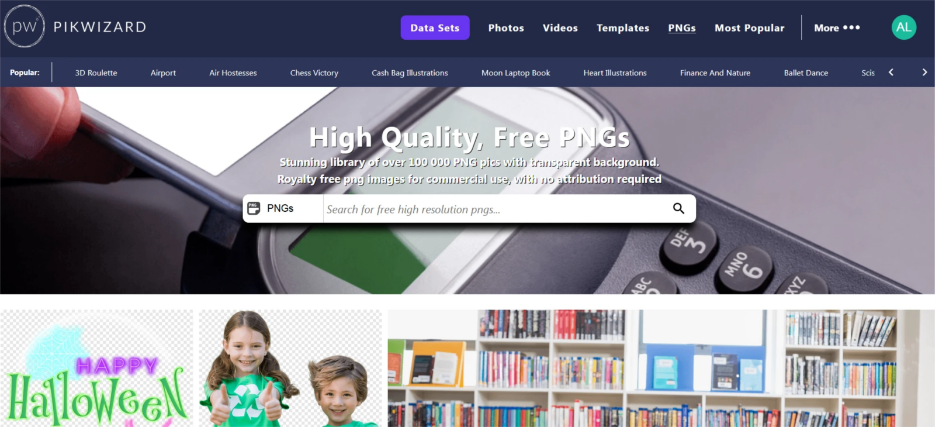
Honestly, the whole process gets easier when you start with good images. I grab a lot of mine fromm Pikwizard.com — they’ve got tons of free photos and PNGs on transparent background that don’t have that obvious stock-photo look. You can edit them, resize them, whatever, and they still hold up.
The Short
- Use JPEG for photos and big, colorful images.
- Use PNG for text, logos, and transparent stuff.
- If you’re experimenting, try WebP just to make sure your platform supports it.
Once you get used to it, it becomes second nature. You’ll start noticing what looks better — and your designs will thank you for it. Choosing the right image format saves space, improves clarity, and speeds up loading times. A small decision, but one that quietly makes your website feel faster and more professional overall.