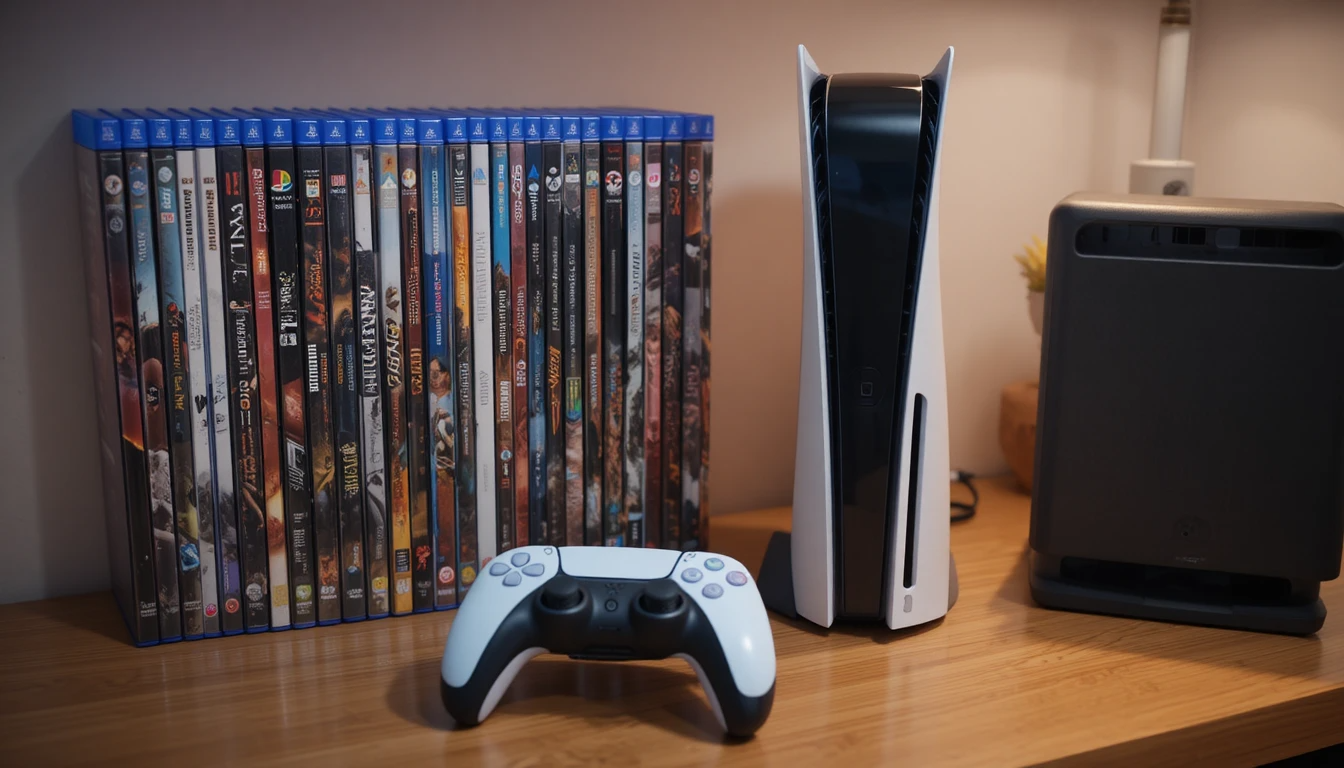
The PlayStation 5 has redefined modern gaming with ultra-fast load times, stunning graphics, and immersive gameplay experiences. However, one limitation many users quickly encounter is storage capacity. With modern AAA titles often exceeding 100GB, the built-in storage can fill up rapidly. This is where PS5 extra storage becomes essential for gamers who want to expand their library without constantly deleting games.
In this complete guide, we’ll explore how to expand your console’s storage, the types of drives you can use, compatibility requirements, and the performance benefits you can expect. Whether you’re a casual player or a hardcore gamer, understanding storage expansion will help you get the most out of your PS5.
| Option | Key Features | Benefits | Limitations |
| Internal SSD | PCIe Gen4, 5500+ MB/s, heatsink | Fast load times, plays PS5 games | Costly, manual install |
| External Drive | USB HDD/SSD, plug-and-play | Stores PS5, plays PS4, affordable | Cannot play PS5 games |
| Compatibility | NVMe Gen4, proper cooling | Stable performance | Limited supported models |
| Performance | High-speed transfer | Faster gameplay, quick loading | Depends on SSD quality |
| Capacity | 500GB–4TB+ | More game storage | Higher cost for larger size |
| Setup | Internal vs external install | Flexible usage | Internal needs basic setup |
Understanding PS5 Storage Limitations

The PlayStation 5 comes with an 825GB internal SSD, but not all of this space is available to users. After system files and operating software, the usable storage drops significantly, leaving limited room for games and media.
Modern games are becoming increasingly larger due to high-resolution textures, expansive maps, and frequent updates. This creates a need for additional storage solutions that maintain the console’s high-speed performance.
Key challenges include:
- Large game file sizes (50GB–150GB+)
- Frequent updates and downloadable content
- Limited internal usable space
- Need for fast load times without compromise
What is PS5 Extra Storage?
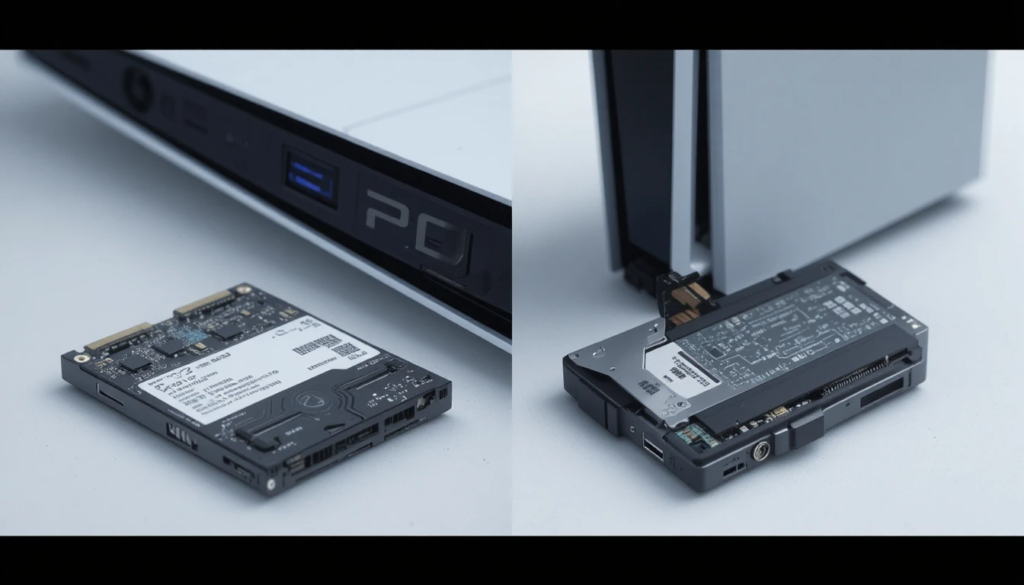
PS5 extra storage refers to additional storage solutions that expand the console’s capacity beyond its built-in SSD. Sony provides two main options: internal SSD expansion and external USB storage. These options allow gamers to store more games, reduce the need for constant reinstallation, and maintain a smooth gaming experience.
Types of Storage Expansion for PS5
Internal SSD Expansion
The PS5 includes a dedicated NVMe SSD slot, allowing users to install a high-speed internal drive. This option provides performance similar to the console’s built-in storage.
Key advantages:
- Supports PS5 game installation and play
- Ultra-fast load times
- Seamless integration with the system
Requirements:
- PCIe Gen4 NVMe SSD
- Minimum recommended speed of 5,500 MB/s
- Proper heatsink for thermal management
External USB Storage
External drives connect via USB and are a more affordable option for expanding storage.
Benefits include:
- Easy plug-and-play setup
- Ideal for storing PS4 games
- Can store PS5 games (but not play them directly)
Limitations:
- Slower than internal SSDs
- PS5 games must be transferred to internal storage to play
Compatible SSDs for PS5
Choosing the right SSD is crucial for optimal performance, as not all drives meet Sony’s requirements, making compatibility an essential factor. When selecting an SSD, users should consider key features such as a minimum read speed of 5,500 MB/s to ensure smooth gameplay and fast load times.
The interface should be PCIe Gen4 x4 NVMe, which is necessary for achieving the high speeds required by the PS5. Capacity is another important factor, with the most suitable options ranging from 500GB to 4TB, depending on storage needs.
Installation Process for Internal SSD
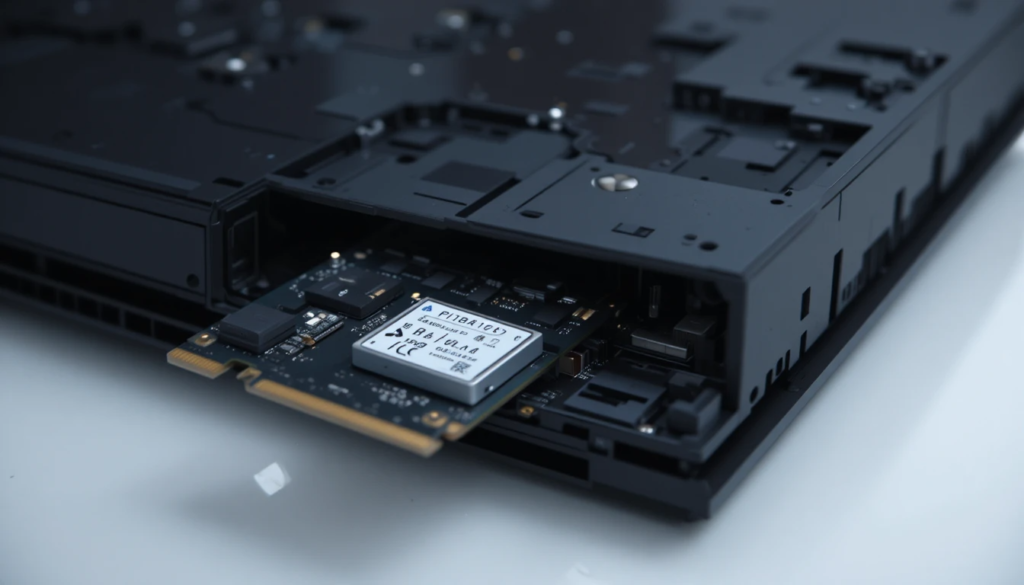
Installing an internal SSD in the PS5 is relatively straightforward but requires careful handling.
Basic Steps
- Turn off and unplug the console
- Remove the PS5 cover
- Locate the SSD expansion slot
- Insert the NVMe SSD securely
- Attach a heatsink if necessary
- Reassemble the console and power it on
Once installed, the system will prompt you to format the new drive before use.
Performance Benefits of Storage Expansion
Expanding storage is not just about space—it also impacts performance and convenience.
Faster Load Times
Internal SSDs deliver lightning-fast load times, reducing wait times when launching games or switching between levels.
Seamless Gameplay
With additional storage, players can keep multiple large games installed simultaneously without worrying about space.
Improved Organization
Gamers can categorize titles across internal and external drives, improving accessibility and management.
Comparison of PS5 Storage Options
| Feature | Internal SSD Expansion | External USB Storage |
| Speed | Ultra-fast (PCIe Gen4) | Moderate (USB-based) |
| Play PS5 Games | Yes | No (storage only) |
| Play PS4 Games | Yes | Yes |
| Installation | Requires manual setup | Plug-and-play |
| Cost | Higher | More affordable |
| Best Use | High-performance gaming | Extra storage and backups |
How to Choose the Right Storage Option
Selecting the best storage solution depends on your gaming habits and budget.
Consider These Factors
- Game Library Size: Large libraries require more capacity
- Budget: External drives are cheaper, but internal SSDs offer better performance
- Performance Needs: Competitive gamers benefit from faster internal storage
- Ease of Use: External drives are simpler to set up
Common Mistakes to Avoid

When upgrading storage, users often make avoidable errors.
- Choosing incompatible SSDs
- Ignoring heatsink requirements
- Not updating the system software before installation
- Overlooking speed specifications
Avoiding these mistakes ensures a smooth and efficient upgrade process.
Future of PS5 Storage Expansion
As game sizes continue to grow, storage solutions will evolve with higher capacities and faster speeds. Future SSDs may offer improved efficiency, better cooling, and larger storage options at lower costs. Cloud gaming and digital libraries may also influence how players manage storage, but local storage will remain essential for performance-focused gaming.
Conclusion
Investing in PS5 extra storage is one of the best upgrades you can make to enhance your gaming experience. Whether you choose an internal SSD for maximum performance or an external drive for additional space, both options provide valuable benefits.
Internal SSDs deliver unmatched speed and seamless gameplay, while external storage offers affordability and convenience. By selecting the right solution and managing storage effectively, players can enjoy a smoother, more flexible gaming experience without constant interruptions.
Ultimately, PS5 extra storage is not just about increasing capacity—it’s about unlocking your console’s full potential and ensuring you’re always ready for the next big game.
Want to know about How to Choose an Online Casino in the UK: A Practical Checklist for Safety, Fair Play and Smooth Payouts Check out our Gaming category.
FAQs
No, PS5 games must be played from the internal SSD, but they can be stored on external drives.
A read speed of at least 5,500 MB/s is recommended for optimal performance.
It depends on your needs, but 1 TB or 2 TB is ideal for most gamers.
No, the process is simple and can be completed with basic tools and instructions.