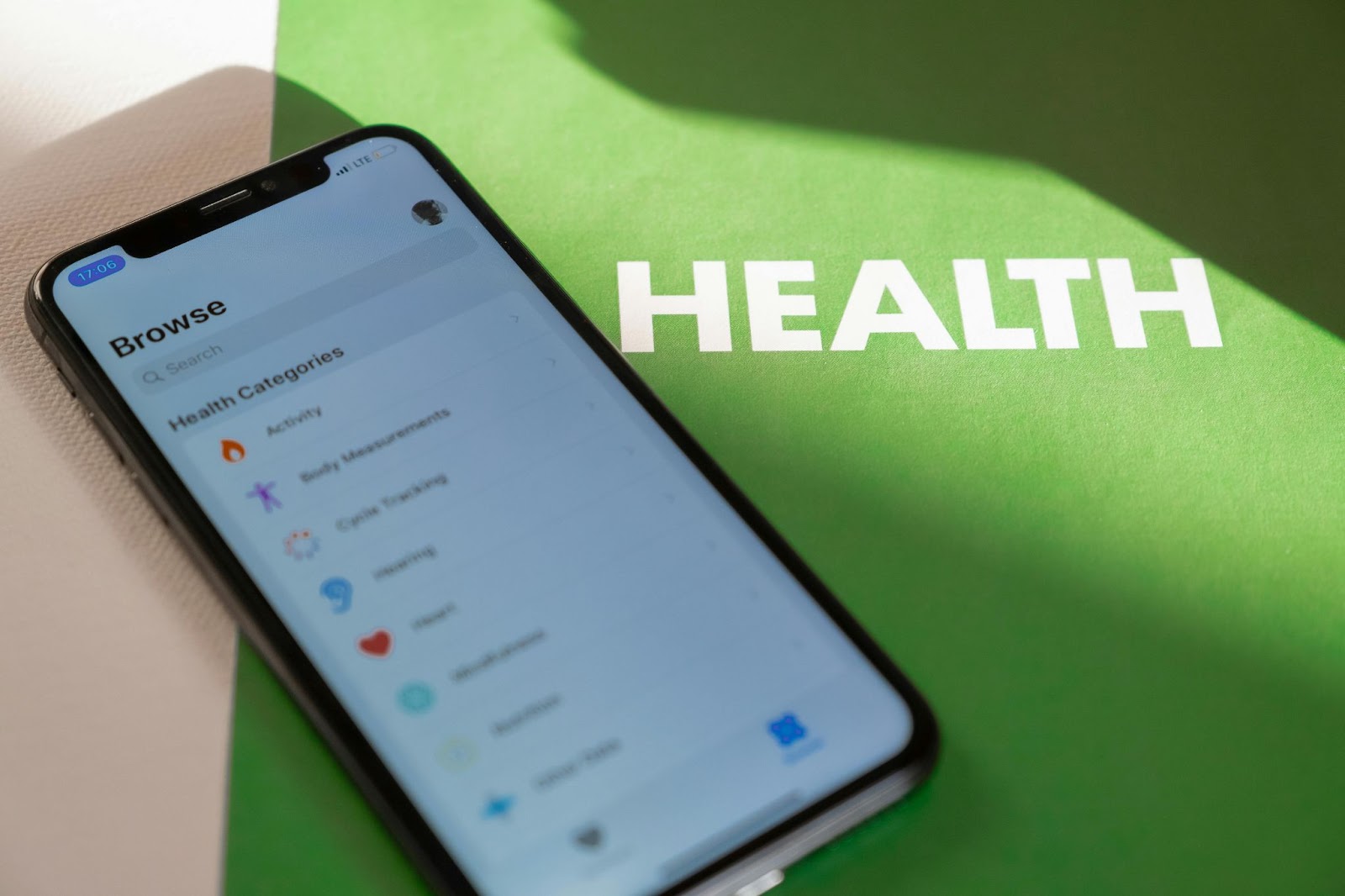
Have you ever downloaded a wellness app full of hope, only to feel lost after a few taps? You’re not alone. For any wellness app development endeavor to truly flourish, the resulting application must be intuitive and approachable. Many users struggle with complex interfaces, cognitive overload, and inaccessible design. It isn’t just about minor annoyances; it’s about whether users stick around to build healthy habits. The goal of this article is to share actionable UX/UI improvements to elevate user satisfaction and retention.
Understand Your Users
Before designing a single pixel, truly know your audience. Conduct effective user research through surveys, interviews, and crucial usability testing. Identify user goals, whether it’s sleep tracking, meditation, or step counting, and pinpoint their frustrations. Creating detailed user personas is invaluable here; it transforms abstract users into tangible individuals. This deep understanding forms the bedrock for truly effective UX planning, ensuring your app meets real needs.
Simplify Navigation & Onboarding
Think of your app’s navigation as a friendly guide. Streamlined menus and intuitive layouts reduce cognitive load, making the user’s journey smoother. Consider single-tab menus, which are instantly familiar, or swipe-friendly designs. Implement progressive onboarding: offer just-in-time tooltips and gentle guidance as users explore rather than overwhelming them upfront. The aim is to make them feel comfortable and capable from their very first interaction.
Prioritize Accessibility and Inclusivity
A genuinely great wellness app is for everyone. Building with accessibility and inclusivity from the start is paramount. Features such as scalable text, voice control, screen reader compatibility, and high-contrast UI ensure that individuals with disabilities can fully engage. Don’t forget multilingual support to reach a broader audience. By designing for all users, including those with low digital literacy, you expand your impact and demonstrate genuine care for your audience.
Use Consistent Visual Design & Typography
Imagine a consistent visual system for your app: uniform fonts, cohesive color schemes, clear iconography, and sensible spacing. This unified approach builds trust and enhances usability. When elements behave predictably, users feel more comfortable. Remember mobile-specific considerations, such as large touch targets and easily readable typography, even on smaller screens. A thoughtful, consistent visual language reduces cognitive effort, making the app feel polished and reliable.
Optimize Performance & App Responsiveness
In our fast-paced world, speed is an expectation, not a luxury. A sluggish wellness app frustrates users, leading to abandonment. Focus relentlessly on performance: reduce load times to a minimum, optimize all image assets, and minimize any lag during interactions. Test rigorously across both iOS and Android devices to ensure robust performance. A smooth, fluid experience makes the app feel reliable and professional, reinforcing positive user engagement.
Provide Contextual Guidance & Feedback
No one likes feeling lost, especially when working on their well-being. In-app guidance, like subtle tooltips, helpful microcopy, and gentle onboarding wizards, can effortlessly guide users. This isn’t about constant hand-holding but offering help precisely when needed. Clear, immediate feedback is also critical. Do users receive confirmation for actions? Is error feedback actionable and encouraging rather than cryptic? Clear communication builds user confidence.
Quick UX Improvement Checklist
When it comes to enhancing user experience, sometimes a few targeted adjustments yield significant results. For any wellness app development company striving for excellence, a quick checklist helps keep things on track:
- Use precise language and intuitive icons: Ditch jargon. Speak plainly. If a user has to guess what an icon means, it’s not doing its job. Visuals should be universally understandable and immediately clear.
- Make navigation consistent across screens: Users build mental models of your app. If the “back” button or menu icon changes place, they’ll get disoriented. Consistency builds familiarity and reduces mental effort.
- Ensure accessibility for individuals with visual and motor impairments: This isn’t optional. Think about text scaling, voice commands, and touch target sizes. Inclusive design is good design, broadening your app’s reach and user base.
- Reduce load times and animation delays: Speed equals satisfaction. Optimize images, streamline code, and ensure animations are smooth and responsive—every second counts for user patience.
- Provide real-time feedback and tips: When a user taps a button, do they get immediate visual or haptic confirmation? Little cues help them understand that their actions are registered and successful. Contextual tips can guide them without overwhelming them.
- Use analytics to monitor pain points: Numbers don’t lie. Dive into user behavior data. Where are people dropping off? What features are ignored? Analytics pinpoint where your UX needs the most attention for targeted improvements.
- Regularly test updates with real users: Your internal team knows the app too well. Get fresh eyes on every update. Observe real users navigating new features; their genuine reactions are invaluable for uncovering usability issues.
Prioritizing these points ensures that your app not only looks good but also genuinely feels good to use, fostering a seamless and engaging experience that encourages consistent interaction.

Add Motivational and Engagement Features
Building healthy habits is challenging; your app can be a powerful ally. Integrate features like habit trackers that visualize progress, keeping users accountable. Timely, personalized push notifications act as gentle nudges. Streak counters offer gamification, tapping into our innate desire to maintain a winning run. Consider virtual badges or small rewards for milestones. This thoughtful approach to health and wellness app development enhances user retention without being intrusive.
Embrace Continuous Testing & Iteration
Here’s the truth: your app is never truly “done.” The digital landscape is constantly shifting, user expectations evolve, and technology advances. That’s why embracing continuous testing and iteration is paramount when developing a wellness app. Regularly conduct usability testing, monitor app store reviews for candid feedback, and implement in-app feedback prompts to gather valuable insights. Use A/B testing for design changes, letting data, not just opinions, guide your decisions. This iterative process ensures your app constantly improves.
Conclusion
As we wrap up, remember that designing an impactful wellness app centers on simplicity, accessibility, and responsiveness. View user experience as an ongoing, living process, not a one-time task. Every update, every new feature, and every minor tweak should improve the user’s journey. A better, more intuitive app directly translates into improved wellness outcomes for your users. That, my friends, is the ultimate goal for any dedicated wellness app development company. Keep listening, keep refining, and watch your app thrive.