Introduction
Display Quality That Goes Beyond Expectations — the Dell U2723QE truly lives up to this claim with cutting-edge features built for professionals. Offering Display Quality That Goes Beyond Expectations, this 27-inch 4K UHD monitor uses IPS Black technology, developed by LG Display, to deliver deeper blacks and a stunning 2000:1 contrast ratio. Ideal for creatives, it supports 100% sRGB, 98% DCI-P3, and Rec.709 with factory calibration (Delta E < 2).
It ensures accurate, vibrant visuals with a 3840 x 2160 resolution and 400 nits brightness. More than a monitor, it functions as a USB-C hub with 90W Power Delivery, a built-in KVM switch, and multiple ports, including HDMI, DP, and RJ45.
Its ergonomic design, TÜV-certified ComfortView Plus, and ultra-thin bezels make it a powerful and stylish tool for any modern workspace.
| Basics | Details |
| Screen Size | 27 inches |
| Resolution | 3840 x 2160 (4K UHD) |
| Panel Type | IPS Black (by LG Display) |
| Brightness | 400 cd/m² |
| Contrast Ratio | 2000:1 |
| Color Coverage | 100% sRGB, 98% DCI-P3, 100% Rec.709 |
| Factory Calibration | Delta E < 2 |
| Refresh Rate | 60Hz |
| USB-C Power Delivery | Up to 90W |
| Key Ports | HDMI 2.0, DP 1.4, USB-A (x5), USB-C (x2), RJ45 |
| Docking Features | USB-C hub, KVM switch, daisy-chaining support |
| HDR Support | HDR10, DisplayHDR 400 (limited HDR) |
| Ergonomics | Tilt, swivel, pivot, 150mm height adjustment |
| Comfort Features | ComfortView Plus (blue light filter) |
| Mounting | VESA 100×100 mm |
| Design | Ultra-thin bezels, platinum silver finish, cable management hole |
| Not Ideal For | Gaming (no G-Sync/FreeSync, limited HDR, 60Hz cap) |
Display Quality That Goes Beyond Expectations
Superior Visuals with IPS Black
Dell has implemented IPS Black, developed by LG Display, to deepen contrast and enhance black levels. This advanced panel technology boosts clarity without compromising wide viewing angles. Ideal for photo editors, video producers, or those handling visual data, the screen ensures every shade is rich and realistic—delivering a 4K experience that’s easy on the eyes and hard to beat.
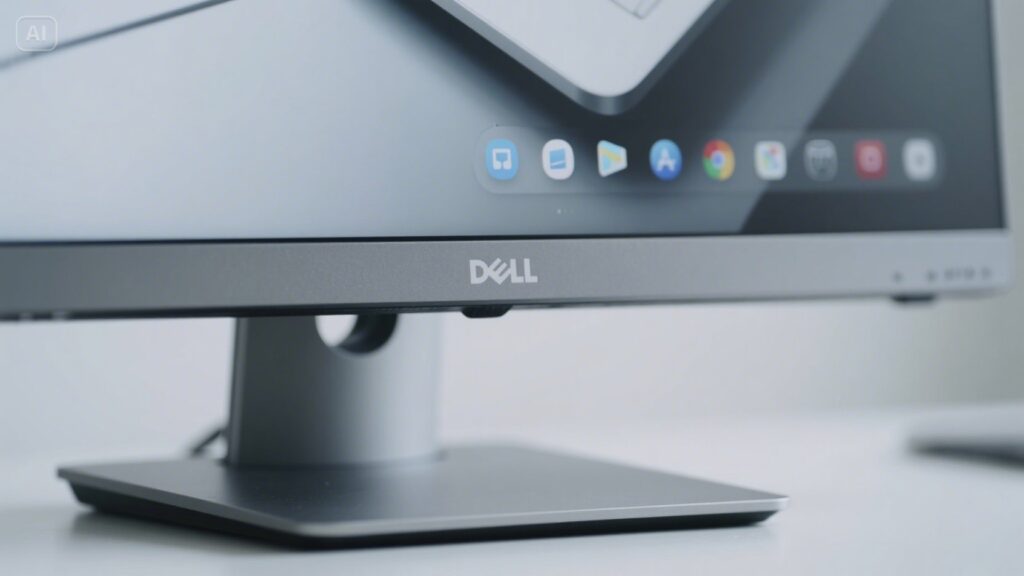
Specifications of the Dell U2723QE
- Screen Size: 27 inches
- Resolution: 3840 x 2160 (4K UHD)
- Panel Type: IPS Black
- Refresh Rate:60Hz
- Brightness:400 cd/m²
- Contrast Ratio:2000:1
- Color Gamut: 100% sRGB, 98% DCI-P3
- USB-C Power Delivery: Up to 90W
- Ports:HDMI 2.0, DP 1.4, USB-A, USB-C, RJ45
- KVM Switch: Built-in
- VESA Mounting:100×100 mm
Color Accuracy for Creative Professionals
Built for Adobe and DaVinci Workflows
With factory calibration at Delta E < 2, you get professional-level color fidelity out of the box. It supports:
- 100% sRGB
- 100% Rec.709
- 98% DCI-P3
This makes it perfect for creators using Adobe Creative Cloud, Final Cut Pro, or DaVinci Resolve. Whether color-grading a video or designing a brochure, the color performance will be precise and reliable every time.
Stunning Color Accuracy with IPS Black Panel
The monitor uses IPS Black panel technology that LG Display created to offer deeper blacks than traditional IPS. This technology enhances contrast for a 2000:1 ratio, improving visibility in dark scenes. The screen maintains color fidelity even at wide angles, whether using Adobe Photoshop, Lightroom, or Premiere Pro. Dell factory calibrates each unit to Delta E < 2, making it ready for creative work immediately after unboxing.
Turn Your Monitor into a Docking Station
The Dell U2723QE isn’t just a display—it’s a full USB-C hub. You can connect your laptop, keyboard, mouse, and external drives using just one cable.
Key Connectivity Ports:
- USB-C (Upstream, 90W PD)
- HDMI 2.0
- DisplayPort 1.4 In/Out (for Daisy-Chaining)
- RJ45 Ethernet
- 5 x USB-A 3.2 Gen 2
- 2 x USB-C Downstream Ports
This setup works great with a MacBook Pro, a Dell XPS, or any USB-C compatible device.
Ergonomics & Comfort: Designed for All-Day Use
Comfort View Plus & Adjustability
The monitor includes ComfortView Plus, a TÜV-certified, built-in blue light filter that protects your eyes without color distortion. Whether writing code, editing media, or attending Zoom calls all day, your eyes stay relaxed.
Physical Adjustments Include:
- Tilt
- Swivel
- Pivot
- Height Adjustment (150mm range)
The monitor’s platinum silver finish, ultra-thin bezels, and cable management hole add style and function to any workspace.
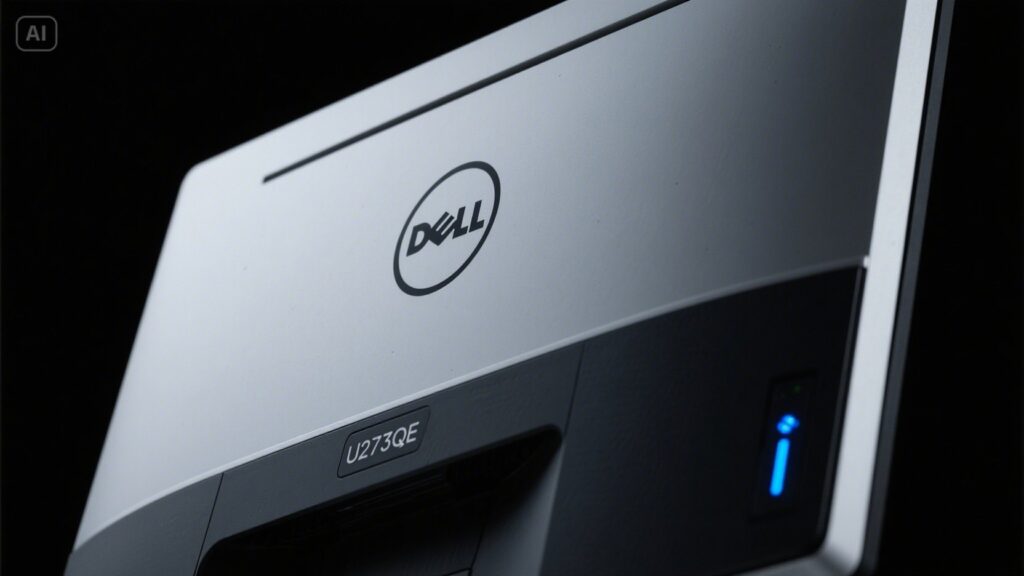
Why is the Dell U2723QE a Game-Changer for Work and Creativity?
The Dell U2723QE provides an ultra-clear 3840 x 2160 resolution on a 27-inch screen, delivering sharp text and vivid images. It’s ideal for graphic design, video editing, data analytics, or software development professionals. With deep contrast and true-to-life colors, it precisely supports visually intensive tasks. It also features ultra-thin bezels, allowing a seamless multi-monitor setup for expanding your workspace horizontally.
Multitasking Made Easy with Built-in KVM Switch
Seamlessly Switch Between Devices
If you use multiple computers—like a Mac and a Windows PC—the KVM switch lets you toggle between them with one mouse and keyboard. This feature is handy for:
- IT admins
- Remote workers
- Software developers
With Auto KVM, the input switches automatically when a new device is connected, making transitions seamless and efficient.
Real HDR? Limited but Still Useful
The Dell U2723QE supports HDR10, allowing for limited high dynamic range playback. It’s not a DisplayHDR 600+ monitor, but it performs well for watching YouTube HDR content, previewing HDR video editing, or streaming shows from Netflix. Its 400 nits brightness suits most office environments, though not ideal for bright sunlight or ultra-immersive HDR gaming. If you want true HDR, a dedicated HDR monitor may be better.
Previewing HDR projects in editing apps
Remember that its 400 nits brightness and DisplayHDR 400 rating are better for casual HDR viewing than intensive HDR production or gaming.
A Few Drawbacks to Consider
Even top-tier monitors have minor limitations. With the Dell U2723QE:
- No G-Sync or FreeSync support
- Refresh rate capped at 60Hz
- Not designed for gaming
- Backlight bleed is possible on some units
These won’t affect most professional users, but gamers or hardcore HDR editors may prefer a different panel type.
Read More: – MacBook Air 2019: A Comprehensive Review of Apple’s Lightweight Powerhouse
Who Should Buy the Dell U2723QE?
The Dell UltraSharp U2723QE is best suited for professionals who prioritize color accuracy, productivity, and connectivity over gaming performance. Graphic designers, video editors, photographers, and content creators will benefit from its factory-calibrated color precision and IPS Black technology.
Software developers and office professionals can also take advantage of its 4K clarity, USB-C docking capabilities, and built-in KVM switch for seamless multitasking. However, competitive gamers or users seeking high refresh rates and advanced HDR performance may find better alternatives elsewhere. This monitor is an excellent choice for anyone building a clean, efficient, and professional workspace.
Conclusion
In conclusion, the Dell U2723QE stands out as a top-tier 4K monitor offering Display Quality That Goes Beyond Expectations. IPS Black technology, professional color accuracy, and built-in connectivity features like USB-C and KVM make it perfect for creative professionals and multitaskers. Its sleek design, ergonomic comfort, and reliable performance make it a wise investment for those seeking style and substance in their workspace. Though not made for gaming, it excels in productivity and visual precision.
Apart from that, if you are interested to know about “Can We Go Fully Cashless? Exploring the Possibilities” then visit our “Tech” category.
FAQs
The Dell U3QE uses IPS Black technology, delivering deeper blacks and superior contrast (2000:1). It also offers exceptional color accuracy, which is ideal for professionals.
It supports 100% sRGB, 98% DCI-P3, and 100% Rec.709 color spaces, with factory calibration for precise color accuracy. It is perfect for photo and video editing.
Yes, the monitor includes a USB-C hub with 90W Power Delivery, plus HDMI, DisplayPort, and Ethernet ports. It simplifies cable management and device connectivity.