Introduction
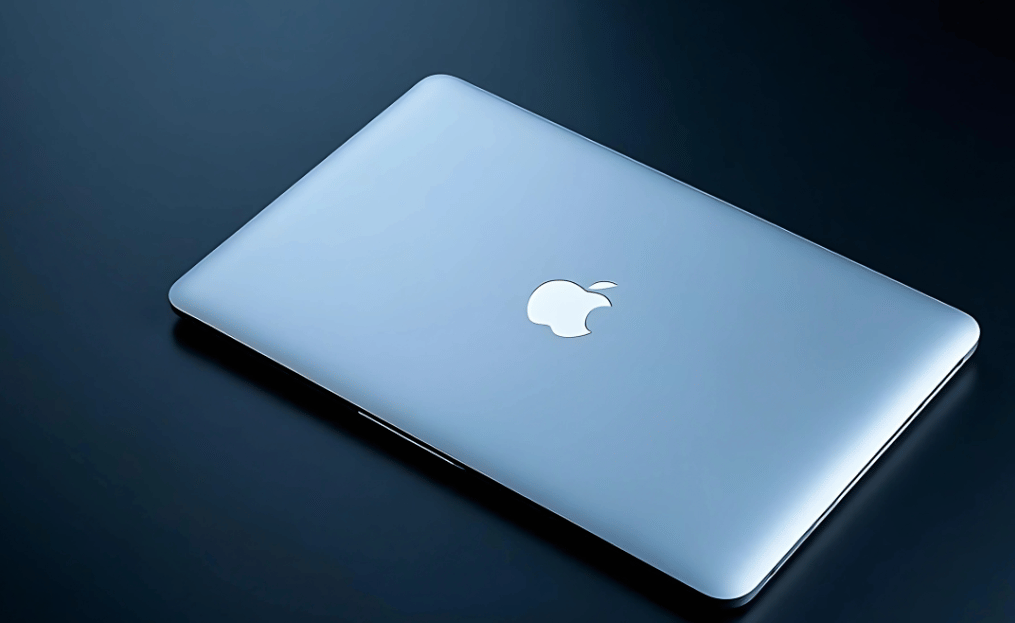
The MacBook Air 2019 was a refined version of Apple’s beloved ultra-thin laptop, offering improved performance, a Retina display, and enhanced portability. This iteration of the MacBook Air was designed for students, professionals, and everyday users looking for a blend of efficiency and style.
Apple’s precision engineering ensured the MacBook Air 2019 retained a premium feel. The butterfly mechanism keyboard, while controversial, allowed the device to maintain its ultra-thin profile. The hinge design also provided a seamless opening and closing experience, contributing to its sophisticated aesthetic.
| Feature | Details |
|---|
| Release Year | 2019 |
| Display | 13.3-inch Retina Display with True Tone (2560 × 1600) |
| Processor | 8th-generation Intel Core i5 (dual-core, 1.6 GHz, Turbo Boost up to 3.6 GHz) |
| RAM | 8GB LPDDR3 (configurable up to 16GB) |
| Storage Options | 128GB or 256GB SSD (expandable up to 1TB) |
| Graphics | Intel UHD Graphics 617 |
| Keyboard | Butterfly keyboard with backlit keys |
| Touch ID | Yes, for secure login and Apple Pay |
| Ports | 2 × Thunderbolt 3 (USB-C), 3.5mm headphone jack |
| Operating System | macOS Mojave (Upgradeable to newer macOS versions) |
| Battery Life | Up to 12 hours of web browsing, 13 hours video playback |
| Cooling System | Has a fan for cooling |
| Weight | 2.75 lbs (1.25 kg) |
| Color Options | Silver, Space Gray, Gold |
| Is it upgradable? | No, RAM and SSD are soldered |
| Best For | Students, professionals, light users |
| Limitations | Butterfly keyboard issues, no Touch Bar, not ideal for gaming |
MacBook Air 2019
The MacBook Air 2019 is a sleek, lightweight laptop designed for everyday users who need portability and reliable performance. It features a 13.3-inch Retina display with True Tone technology, which delivers crisp visuals and vibrant colours.
Powered by an Intel Core i5 processor, it offers decent performance for browsing, document editing, and media consumption. The laptop includes a Touch ID for secure login, a butterfly keyboard, and two Thunderbolt 3 ports for fast connectivity.
With up to 12 hours of battery life, it’s a great choice for students and professionals on the go. However, some users found the keyboardless reliable, leading Apple to revise its design in newer models later.
Design and Build Quality
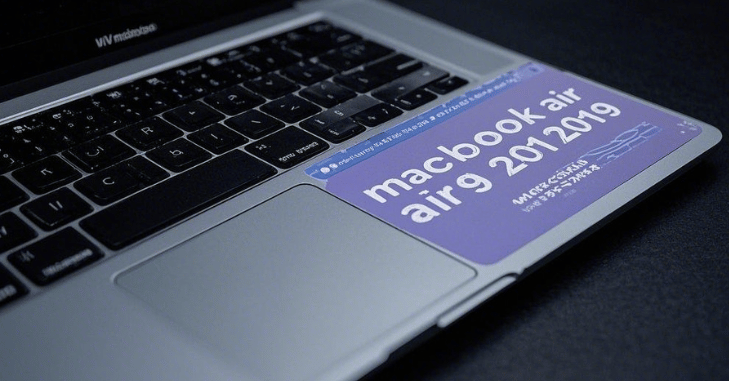
Apple retained the classic MacBook Air look with the 2019 model, featuring a sleek unibody aluminium chassis. It came in three colours: Silver, Space Gray, and Gold. The laptop weighed 2.75 pounds (1.25 kg), making it one of the lightest and most portable MacBooks ever.
This was a significant improvement over the older non-Retina versions, delivering sharper images, better colour accuracy, and True Tone technology, which adjusted the display’s colour temperature based on ambient lighting.
Why the MacBook Air 2019 Still Appeals to Everyday Users
The MacBook Air 2019 continues to be a popular choice for users who prioritize a blend of lightweight design and reliable performance in their daily computing. Built with a slim aluminum body and a responsive keyboard, this model delivers a comfortable typing experience and solid build quality that aligns with Apple’s design standards. Its screen offers clear and sharp visuals suitable for everyday tasks like browsing, document creation, and video streaming. While it doesn’t target high-end creative workloads, the MacBook Air 2019 excels for students, professionals, and casual users who want a dependable laptop that stays portable without compromising essential functionality. This combination of features has helped maintain its relevance even as newer models have appeared.
Performance and Hardware
The MacBook Air 2019 was powered by an 8th-generation Intel Core i5 processor (dual-core, 1.6 GHz, Turbo Boost up to 3.6 GHz). It featured:
- 8GB or 16GB of LPDDR3 RAM (2133 MHz)
- 128GB, 256GB, 512GB, or 1TB SSD storage options
- Intel UHD Graphics 617 for light graphics processing
While not built for heavy tasks like video editing or gaming, the MacBook Air 2019 efficiently handled day-to-day productivity tasks, web browsing, streaming, and even light content creation. It performed well with multiple tabs open and handled software like Microsoft Office, Adobe Photoshop (for light edits), and Final Cut Pro (for basic projects) without significant lag.
However, due to the dual-core processor, it struggled with high-performance tasks such as 4K video rendering and intensive gaming. The MacBook Air’s thermal design meant it had passive cooling, which prevented overheating but also limited its sustained performance compared to MacBook Pro models.
Keyboard and Trackpad
Apple introduced the third-generation butterfly keyboard with this model, improving upon the previous versions that faced durability issues. While the keyboard was still a point of contention for some users, it offered a low-profile, responsive typing experience. However, some users still reported key malfunctions over time, prompting Apple to eventually move back to a scissor-switch mechanism in later models.
The Force Touch trackpad was one of the best in the industry. It offered a large, precise, and pressure-sensitive surface with haptic feedback for enhanced usability. Its gesture support allowed for seamless multitasking, making macOS navigation fluid and efficient.
Ports and Connectivity
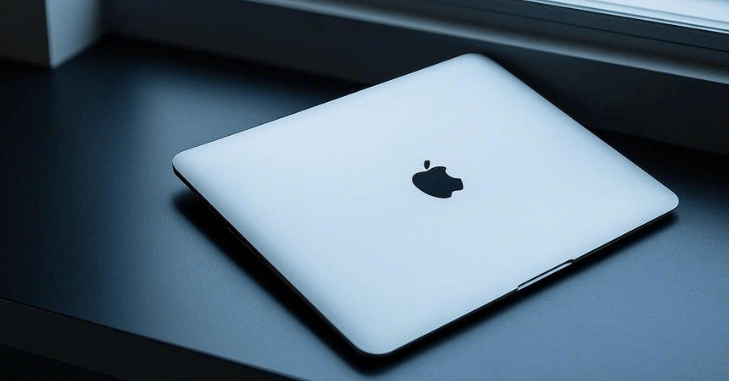
Apple continued its transition to a minimalist port selection, equipping the MacBook Air 2019 with:
- Two Thunderbolt 3 (USB-C) ports for charging, data transfer, and external displays
- A 3.5mm headphone jack for audio
While the lack of USB-A or an SD card slot required dongles or adapters, the Thunderbolt 3 ports offered high-speed connectivity, allowing users to connect external GPUs, high-resolution monitors, and fast storage devices. However, users who relied on traditional USB accessories found this transition inconvenient.
Battery Life
One of the standout features of the MacBook Air 2019 was its battery efficiency. Apple claimed up to 12 hours of web browsing and 13 hours of iTunes movie playback on a single charge. In real-world usage, it provided all-day battery life, making it an excellent choice for professionals on the go. Many users could work a full day without needing to carry a charger, which added to its portability.
The 50.3-watt-hour battery worked in conjunction with macOS’s power optimization features, ensuring that idle processes didn’t drain power unnecessarily. This efficiency made the MacBook Air 2019 a favorite among students and business travelers.
Software and Features
The MacBook Air 2019 originally shipped with macOS Mojave and later supported macOS Monterey. Features like Touch ID, Apple T2 Security Chip, and Hey Siri integration added to the overall user experience.
Additionally, the T2 chip improved security by encrypting stored data and ensuring secure boot capabilities, making the MacBook Air a solid choice for privacy-conscious users. Touch ID allowed for quick and secure logins, as well as Apple Pay authentication for online shopping convenience.
With macOS Monterey, the MacBook Air 2019 gained access to new features like Universal Control (for seamless workflow between Apple devices), Shortcuts app, and improved FaceTime capabilities.
Is the MacBook Air 2019 Still Worth Buying in 2024?
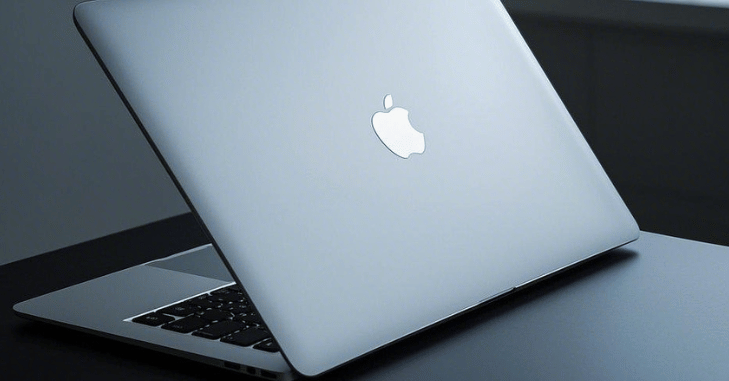
While newer MacBooks with Apple’s M1 and M2 chips have significantly outperformed Intel-based MacBooks, the MacBook Air 2019 can still be a great budget-friendly option for students and light users. If you find it at a reasonable price in the used or refurbished market, it can serve as a reliable laptop for basic tasks like web browsing, writing, and media consumption.
However, if you require high-performance computing, advanced video editing, or gaming, newer models with Apple Silicon chips are a much better investment. The M1 and M2 chips provide superior speed, better battery life, and improved thermals compared to Intel-powered MacBooks.
Conclusion
The MacBook Air 2019 marked a crucial step in Apple’s laptop evolution, refining its display, security, and portability. Despite its limitations, it remains an iconic MacBook for users who prioritize sleek design and all-day battery life. If you need a lightweight, stylish, and efficient laptop without breaking the bank, the MacBook Air 2019 is still worth considering!
For users who demand more power and longevity, newer MacBook Air M1 or M2 models are a far better choice. But for casual users seeking affordability with premium build quality, the MacBook Air 2019 still holds its ground in 2024.
Apart from that if you want to know about “Lenovo Yoga 7i: The Perfect Blend of Power, Portability, and Versatility” then please visit our “Tech” Category.
FAQs
The MacBook Air 2019 features a 13.3-inch Retina display with True Tone, an Intel Core i5 processor, 8GB of RAM (expandable to 16GB), Touch ID, two Thunderbolt 3 ports, and a butterfly keyboard.
Yes, it comes with a 13.3-inch Retina display with True Tone technology, offering vibrant colors and sharp visuals.
It is powered by an 8th-generation Intel Core i5 dual-core processor with Turbo Boost up to 3.6 GHz.
It comes with 128GB or 256GB SSD storage, but it can be upgraded up to 1TB SSD.
It has two Thunderbolt 3 (USB-C) ports and a 3.5mm headphone jack.