In today’s digital-first retail landscape, product photography isn’t just a nice-to-have — it’s essential. High-quality images can make or break an online sale, as they are often the only visual contact a shopper has with a product before making a purchasing decision. A well-planned photoshoot for ecommerce plays a critical role in showcasing your brand, building trust, and driving conversions.
Whether you’re just starting your online store or planning a seasonal product update, here’s everything you need to know to prepare and execute an effective product photography shoot.
Why Product Photography Matters for E-Commerce
When shoppers can’t touch, try, or feel a product in person, visuals do all the selling. Crisp, clear, and informative product photos help:
- Build trust with potential buyers
- Increase conversion rates by offering a better product understanding
- Enhance brand consistency and aesthetic appeal
- Reduce return rates by accurately setting product expectations
In short, investing in a professional ecommerce photoshoot pays off through better customer engagement and higher sales.
Types of Product Photography for E-Commerce
Before your shoot, decide which style of photography best serves your brand and platform. Here are the most common types:
1. White Background (Catalog) Shots
Standard for marketplaces like Amazon and eBay, these isolate the product on a white background and focus solely on clarity and detail.
2. Lifestyle Photography
These images show the product in use or in a relatable setting. They’re perfect for brand storytelling and social media use.
3. Detail/Macro Shots
Zoomed-in images that showcase texture, stitching, or small features. Especially useful for fashion, jewelry, and tech.
4. 360-Degree or Interactive Photos
Allow users to view the product from every angle, improving buyer confidence and reducing uncertainty.
How to Prepare for an E-Commerce Photoshoot
Preparation is key to a smooth and productive session. Here’s what you should handle before stepping into the studio:
1. Organize and Label Products
Ensure all items are clean, ironed (if clothing), and free from defects. Label each item to match your SKU or product listing to simplify post-shoot editing and categorization.
2. Create a Shot List
A shot list ensures you don’t miss any angles or variants. Include:
- Product name/SKU
- Required shot types (front, side, back, zoom-in)
- Group shots or bundles
- Lifestyle context requirements
3. Set the Brand Tone
Share your visual style guide with the photographer. This includes your desire:
- Lighting style (natural or artificial)
- Backgrounds (plain, textured, styled)
- Props or models (if applicable)
- File dimensions and formats
Studio vs. DIY: Where Should You Shoot?
Depending on your budget and volume, you may consider a professional studio or a DIY setup.
Studio Advantages:
- Professional lighting and camera equipment
- Experienced stylists and editors
- Faster turnaround for large batches
- Higher-quality images
DIY Considerations:
- Suitable for small inventories or startups
- More time-consuming
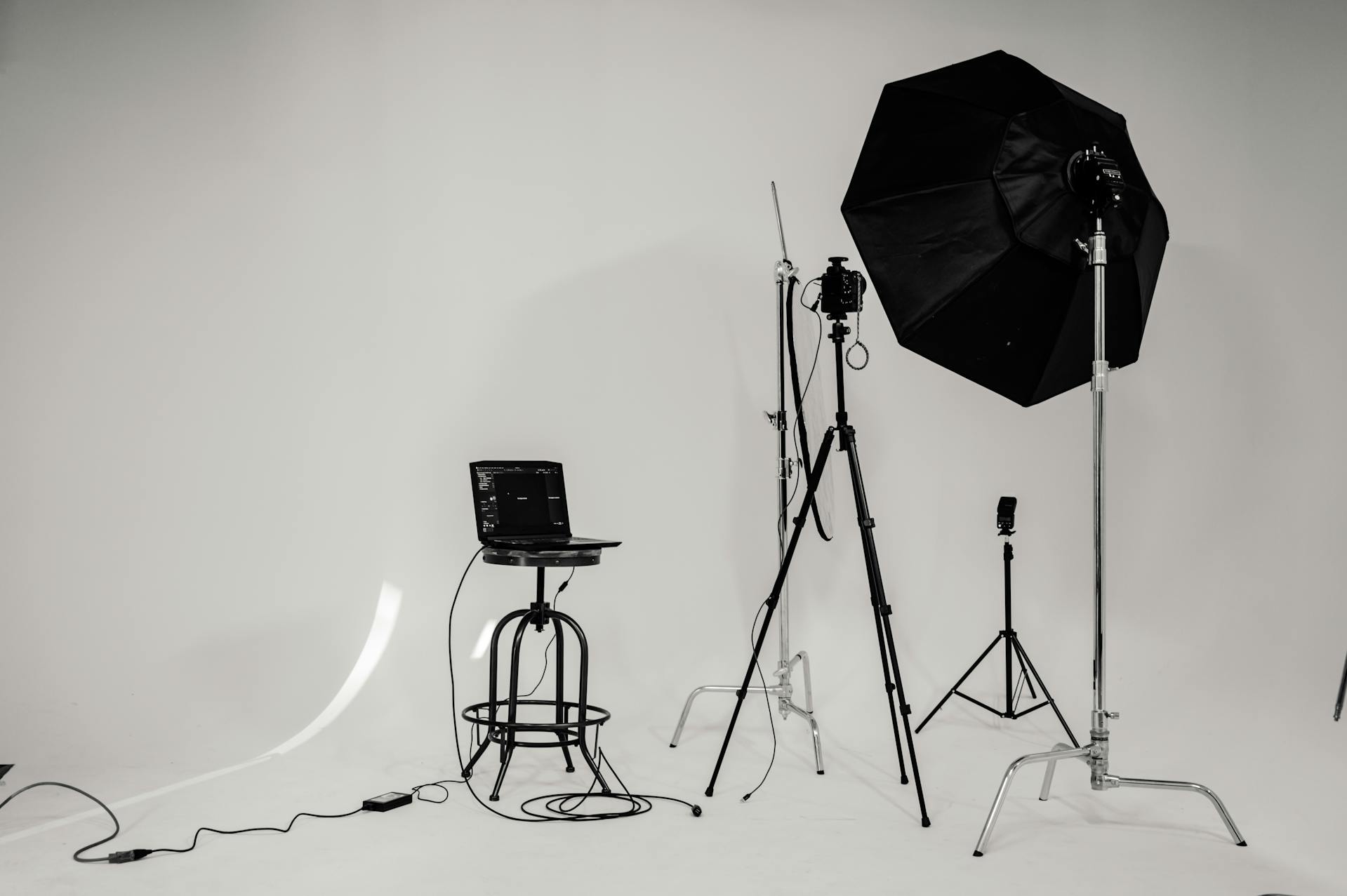
- Requires a decent camera, tripod, and lighting setup
If you’re looking to understand what different pricing structures entail, read our [Product Photography Pricing Models Explained: Hourly vs. Per Product vs. Packages] article to help plan your budget.
Working with a Product Photographer: Tips for Success
Choosing the right photographer can greatly impact your results. Look for someone who:
- I have experience with e-commerce and catalog photography
- Offers consistent editing and post-production
- Understands your brand vision
- Is open to pre-shoot planning and feedback
Communicate clearly about timelines, file delivery, revisions, and image rights before signing a contract.
Common Mistakes to Avoid in E-Commerce Photography
Even with great products, poor visuals can hurt your brand. Avoid:
- Over-editing or using heavy filters that distort colors
- Inconsistent lighting across product lines
- Cluttered backgrounds that distract from the product
- Failing to show product scale or dimensions
Remember, your images must answer every question a customer might ask visually.
Final Thoughts
A well-executed photoshoot for e-commerce can dramatically boost your brand’s perceived value, engage your audience, and drive conversions. Whether you’re shooting simple white-background shots or creating styled lifestyle scenes, the key is in the details — clear planning, careful styling, and consistent execution.
Invest in great visuals today, and you’ll enjoy the long-term rewards of customer trust, loyalty, and increased sales.