Introduction
In today’s fast-paced and digitally driven world, where efficiency, accuracy, and branding play pivotal roles across virtually every industry, the label printer machine has emerged as a quiet but powerful force. Label printers may use direct thermal or thermal transfer printing methods depending on the technology.
They often support USB, Ethernet, Wi-Fi, or Bluetooth connections, allowing for flexible and efficient printing from computers or mobile devices. They help streamline operations by quickly producing clear and durable labels for products, packaging, and inventory tracking.
Easy to use and highly customizable, label printer machines are essential tools for improving organization, traceability, and productivity in both small businesses and large-scale operations. But what exactly is a label printer machine, and why has it become a staple tool for both businesses and individuals striving for improved workflow and presentation?
Here’s a detailed table summarizing key information about label printer machines:
| Feature | Description |
|---|---|
| Device Name | Label Printer Machine |
| Function | Prints labels, barcodes, tags, and product identifiers |
| Printing Methods | – Direct Thermal- Thermal Transfer- Inkjet- Laser |
| Label Size Range | Typically 1 to 4 inches wide (varies by model) |
| Connectivity Options | USB, Ethernet, Wi-Fi, Bluetooth, Serial (RS-232) |
| Software Support | BarTender, ZebraDesigner, NiceLabel, Brother P-touch, etc. |
| Print Resolution | 203 dpi, 300 dpi, or 600 dpi (depending on model) |
| Print Speed | Ranges from 2 to 14 inches per second |
| Color Capability | Monochrome (thermal types); Color (inkjet or laser types) |
| Compatible Materials | Paper, plastic, polyester, fabric, heat-sensitive labels |
| Common Uses | Shipping labels, barcode tags, product labels, name badges, asset tracking |
| Maintenance Needs | Regular cleaning of print head, use of compatible supplies, firmware updates |
| Industries Used In | Retail, logistics, healthcare, manufacturing, warehousing, food & beverage |
| Top Brands | Brother, Dymo, Zebra, Rollo, TSC, Epson |
| Average Price Range | $50 – $2,000+ (depending on features and volume capacity) |
What is a Label Printer Machine?
A label printer machine is a specialized device that prints labels, tags, barcodes, QR codes, and adhesive stickers. Unlike standard desktop printers, which are primarily built for documents and photos, label printers utilize advanced thermal printing technologies, either direct thermal or thermal transfer, to generate high-quality, durable prints that can endure a wide range of environmental conditions, including moisture, heat, and rough handling.
Label printer machines are available in various types and sizes, ranging from portable handheld gadgets perfect for on-the-go labeling tasks to high-capacity industrial-grade systems tailored for demanding manufacturing or warehousing environments. Some models are integrated with scanners and connectivity options for seamless data input and output, improving their utility and versatility.
Key Benefits of Label Printer Machines
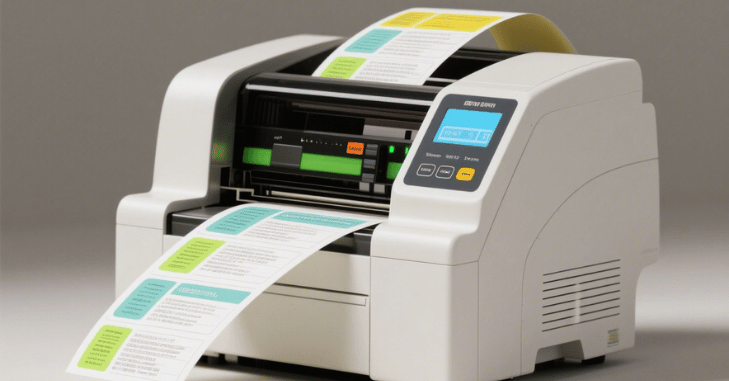
- Efficiency and Speed: Label printers are designed to deliver fast, accurate printing, making them ideal for high-volume tasks where time is of the essence. Whether you’re labeling hundreds of products or sorting files, these machines can significantly cut down the time and effort required.
- Customization: Users can effortlessly create personalized labels, choosing from various fonts, sizes, logos, barcodes, and even color options (in models that support color printing). This level of customization helps businesses maintain brand consistency and cater to specific labeling needs.
- Durability: Labels printed using thermal transfer technology are resistant to smudging, fading, and environmental wear and tear. This makes them suitable for industrial, outdoor, and long-term applications.
- Cost-Effective: By producing labels in-house, companies can drastically reduce costs associated with outsourcing label printing, purchasing pre-printed labels, or dealing with labeling errors that result in product returns or customer dissatisfaction.
- Enhanced Organization: From streamlining file systems and categorizing inventory to labeling household storage bins and pantry containers, label printers bring order and clarity to any space.
- Versatility: Many label printers support various types of label materials, including paper, polyester, and vinyl, allowing for use in numerous environments with unique requirements.
Applications Across Industries
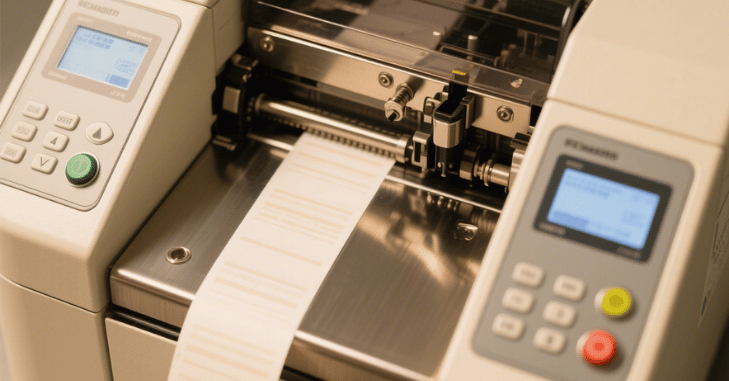
Label printer machines have a wide range of practical applications and are an integral part of operations in several sectors:
- Retail: Used extensively for creating pricing tags, barcodes, SKU labels, shelf tags, and promotional stickers, helping businesses keep inventory organized and customers informed.
- Healthcare: Crucial for patient identification bracelets, specimen containers, prescription labels, and asset tracking in hospitals and clinics, ensuring accuracy and safety in medical environments.
- Logistics and Warehousing: Essential for labeling shipping cartons, managing inventory with scannable barcodes, and keeping track of assets across large storage facilities.
- Manufacturing: Used for product identification, hazard warnings, compliance tags, and maintenance schedules.
- Office and Home Use: Perfect for organizing filing cabinets, office supplies, electronics, storage boxes, kitchen containers, and craft projects. A label printer can bring structure to even the most cluttered spaces.
- Education: Schools and universities utilize label printers for organizing books, classroom supplies, lab samples, and student records, enhancing both efficiency and security.
Choosing the Right Label Printer
With numerous models on the market, selecting the right label printer machine depends on several important factors:
- Print Volume: Businesses with high-volume needs should consider desktop or industrial-grade printers that can handle continuous use without frequent downtime. For occasional use, compact desktop or handheld models may suffice.
- Connectivity: Depending on your setup, look for printers with USB, Ethernet, Wi-Fi, or Bluetooth connectivity. Wireless options are particularly useful in mobile or flexible work environments.
- Label Size and Type: It’s crucial to ensure compatibility with the types and sizes of labels you intend to use. Some printers support custom label dimensions, while others work best with standard sizes.
- Software Compatibility: Many label printers come bundled with proprietary software, while others integrate easily with third-party programs such as Microsoft Excel, Adobe Illustrator, or cloud-based inventory systems.
- Ease of Use: User-friendly interfaces, touchscreens, and intuitive label design tools can save time and reduce training requirements, especially in busy work environments.
Maintenance Tips for Label Printer Machines
Proper maintenance is essential to keep a label printer machine working efficiently and to extend its lifespan. Regular cleaning of the print head helps prevent dust and adhesive buildup, which can affect print quality and cause faded or unclear labels. It is also important to use compatible labels and ribbons recommended by the manufacturer to avoid damage and ensure smooth operation.
Keeping the printer firmware updated can improve performance, fix bugs, and add new features. Additionally, storing label rolls in a clean and dry environment protects them from moisture and dust. With routine care, a label printer machine can maintain consistent performance and reduce costly repairs or downtime.
Future of Label Printing
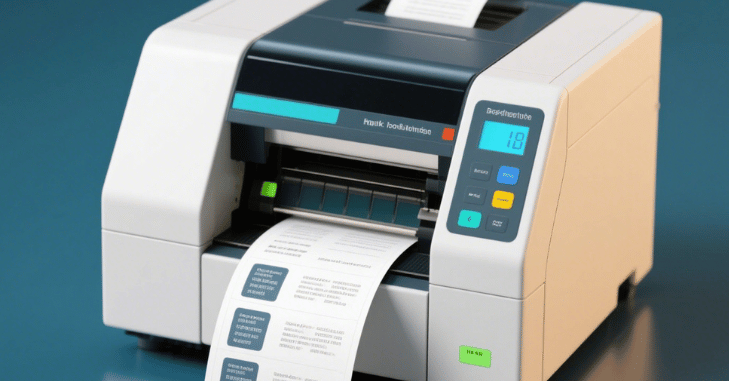
As technology continues to evolve, the future of label printer machines is bright and full of innovation. Advancements are leading to smarter, more connected devices that integrate effortlessly with cloud platforms, mobile apps, and Internet of Things (IoT) systems.
Additionally, sustainability is becoming a major focus. Manufacturers are currently developing eco-friendly label printers that use less energy and work with recyclable or biodegradable label materials. Features like reduced waste printing, reusable cartridges, and energy-saving modes are increasingly common.
Conclusion
A label printer machine is much more than just a functional tool—it is a catalyst for improved productivity, precision, and professionalism. Whether you’re a creative enthusiast looking to personalize your work, a logistics manager trying to enhance inventory monitoring, or a small business owner looking to streamline operations, a label printer can make a noticeable difference.
By embracing the power of smart labeling, users can unlock a world of organization, efficiency, and innovation that enhances both their workflow and their brand identity. A label printer machine is a specialized device designed to print labels, tags, barcodes, and other forms of identification on various materials such as paper, plastic, or fabric.
Apart from that, if you are interested to know about “Ring Video Doorbell Plus: A Comprehensive Guide to Enhanced Home Security, Smart Features, Installation Tips” then visit our “Tech” category.
FAQs
An apparatus that prints labels, tags, or barcodes on sticky paper, cloth, plastic, or other materials is called a label printing machine. It’s commonly used in offices, warehouses, retail, logistics, and manufacturing.
It depends on the model. Most support widths from 1 inch to 4 inches, but some industrial models handle larger formats.
Yes, many modern label printers support mobile printing via apps or Bluetooth/Wi-Fi.